Why Your Twitch Stream Needs Professional Studio Lighting
You’ve seen it countless times: a streamer whose face is half-shrouded in shadow, colors that look strangely off, or a subject that blends indistinguishably into the background. While viewers might not consciously identify "poor lighting" as the problem, they instantly feel its impact. It’s distracting, unprofessional, and often leads to disengagement. Conversely, when lighting is done right, it goes unnoticed – except for the subconscious impression that the stream just "looks good." This subtle yet powerful difference highlights why investing in proper studio lighting for Twitch streamers is not just an option, but a necessity for anyone serious about growing their audience and delivering top-tier content.
Lighting is the unsung hero of compelling video content. It affects everything from your perceived professionalism to how well your viewers connect with you on screen. Without effective illumination, even the most expensive camera can produce a sub-par image. Thankfully, achieving a professional look doesn't require a Hollywood budget or an advanced degree in cinematography. The secret weapon for many professionals, and an accessible technique for every streamer, is the versatile 3-point lighting setup.
What is 3-Point Lighting and Why It's Essential for Professional Streams?
At its core, 3-point lighting is a fundamental method for illuminating a subject in a way that is natural, flattering, and visually separates them from their background. It’s a tried-and-true technique that filmmakers, photographers, and broadcasters have relied on for decades, and for good reason. It provides a consistent, professional aesthetic that subtly elevates your on-screen presence, ensuring you look your best and your stream is easy on the eyes. If you want to stop losing viewers, understanding the impact of good streaming lights is paramount, and 3-point lighting is your best starting point.
You can often spot a well-executed 3-point lighting setup by a few key visual cues: one side of the subject's face might appear slightly brighter, with softer shadows on the opposite side. Crucially, you'll notice a subtle "outline" of light around the subject, clearly defining them against the background. This dimensional quality is what prevents the dreaded "flat" look common with single-source, direct lighting. Mastering this setup means you're creating a visually appealing experience that keeps viewers engaged without them even knowing why.
Deconstructing the Trinity: Key, Fill, and Back Lights
The magic of 3-point lighting lies in the harmonious interplay of its three distinct components:
The Key Light: Your Stream's Primary Illuminator
The key light is the undisputed star of your lighting setup, acting as the main and most intense light source illuminating you, the streamer. It’s responsible for the majority of the light hitting your face and sets the overall mood and exposure for your shot. When setting up your studio lighting for Twitch streamers, the key light is always the first piece to position.
- Purpose: To illuminate your face and upper body, making you clearly visible. It defines the primary direction of light and often casts the strongest shadows.
- Placement: Typically positioned at a 45-degree angle to one side of your camera (left or right) and slightly above eye level, pointing down towards you. This angle creates natural-looking shadows that add dimension without being too harsh.
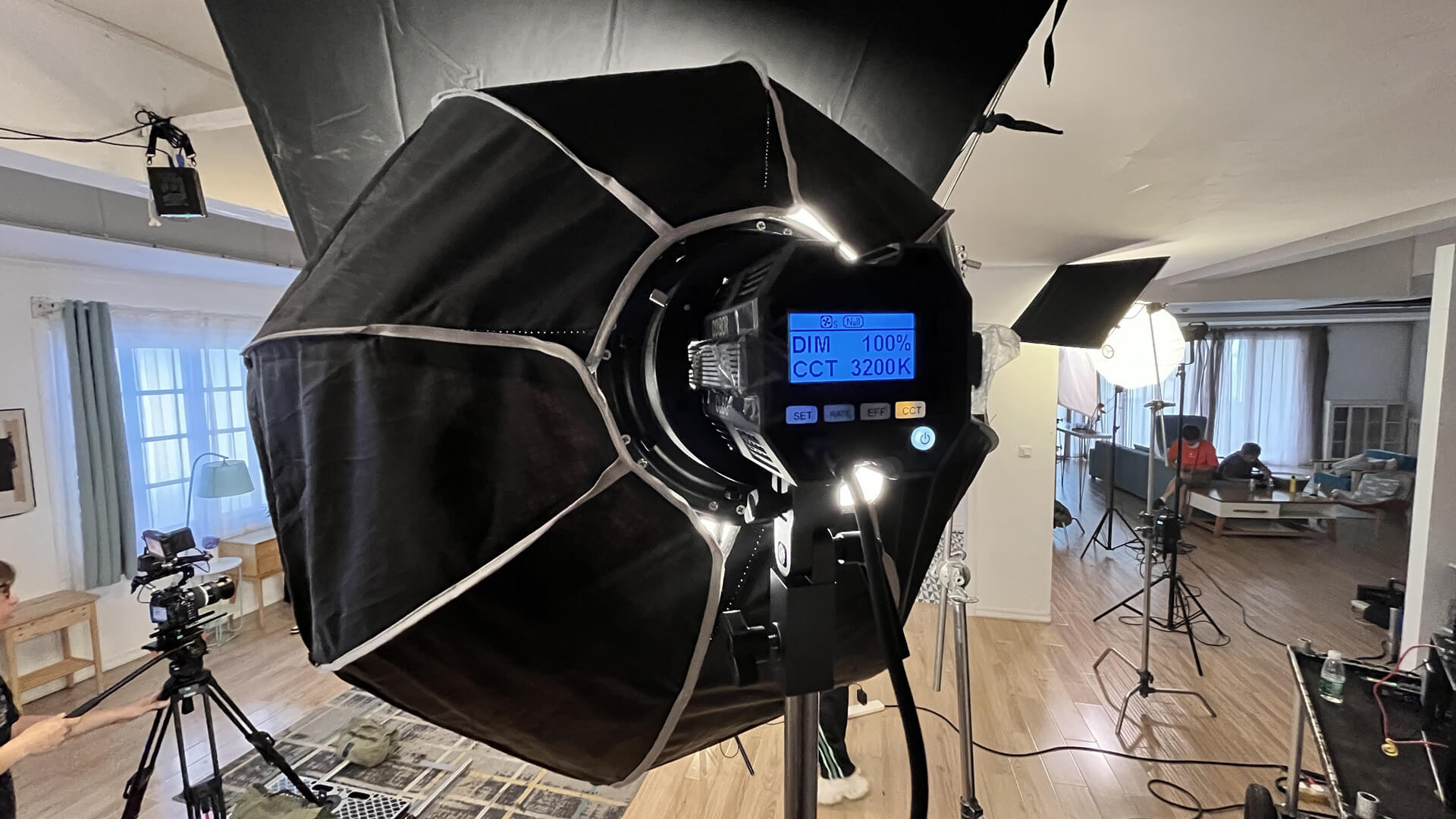
- Characteristics: For streamers, a softbox, a large LED panel with a diffuser, or a high-quality ring light (often acting as a key light) is ideal. Soft, diffused light is paramount to avoid harsh shadows and unflattering highlights on your skin.
- Tip: Experiment with the distance. Closer light sources appear softer, while further ones become harder. Ensure it's not directly in front of you, as this flattens features.
The Fill Light: Banishing Harsh Shadows and Balancing Contrast
While the key light is essential for visibility, it inevitably creates shadows. This is where the fill light comes in, acting as your gentle assistant to soften those shadows and reduce the overall contrast on your face.
- Purpose: To lighten the shadows cast by the key light, ensuring details remain visible in the darker areas of your face. It provides balance and creates a more even, flattering illumination.
- Placement: Positioned on the opposite side of your camera from the key light, ideally at a similar height. It should directly oppose the key light's angle.
- Characteristics: The fill light is typically less intense than the key light, often about half the brightness. It should also be soft and diffused. You can achieve this with another LED panel, a smaller softbox, or even a simple reflector that bounces light from your key light back onto the shadowed side of your face.
- Tip: Adjust the fill light's intensity carefully. Too strong, and you’ll lose all shadow detail, making your face appear flat. Too weak, and shadows will remain distracting. The goal is a pleasing balance.
The Back Light (or Hair Light): Separating You from the Background
Often overlooked, the back light is the secret ingredient that transforms a two-dimensional image into a three-dimensional visual. It adds depth and dimension, making you truly pop on screen.
- Purpose: To create a subtle rim of light around your head and shoulders, separating you from your background. This prevents you from blending into your set and adds a professional, polished look.
- Placement: Positioned behind you, typically on the opposite side of the key light. It should be aimed at the back of your head and shoulders, ensuring it doesn't spill onto the camera lens (which causes flare) or directly into your eyes.
- Characteristics: The back light is usually the least intense of the three. It can be a smaller LED panel, a practical light fixture, or even a dedicated "hair light" mounted on a boom arm. Sometimes, streamers use colored backlights to add a specific mood or complement their branding.
- Tip: Be mindful of its angle. If it's too high, it might just light your chair. If too low, it won't create the desired separation. Experiment to find that perfect halo effect.
Setting Up Your Studio Lighting for Twitch: Practical Steps and Advanced Tips
Now that you understand the role of each light, let's put it all together to create an effective studio lighting for Twitch streamers setup.
- Position Your Key Light First: Place it about 45 degrees to your left or right, slightly above your eye line. Adjust its height and distance until your face is well-lit, with pleasing shadows beginning to form on the opposite side.
- Introduce Your Fill Light: Place this on the opposite side of the key light, matching its height. Start with a low intensity and gradually increase it until the harsh shadows from the key light are softened but not entirely eliminated. Remember, we want dimension, not flatness.
- Place Your Back Light: Position it behind you, angled to create that lovely rim light around your head and shoulders. Ensure it's out of frame and doesn't cause lens flare. This light can be quite subtle; its impact is more about separation than illumination.
- Calibrate Intensity and Color Temperature: Once all lights are in place, fine-tune their brightness. Your key light should be the brightest, followed by the fill, and then the back light. Crucially, ensure all your lights have the same color temperature (e.g., 5500K for daylight, or 3200K for warmer tones). Mixing temperatures can lead to unsightly color casts on your face.
- Check Your Camera Settings: Your lighting setup works in tandem with your camera. Set your camera's white balance to match your lights' color temperature. Adjust exposure, ISO, and aperture to get a bright, clear image without blowing out highlights or having too much digital noise.
Beyond the fundamental 3-point setup, here are some advanced tips to truly master your lighting:
- Background Lighting: Don't neglect your background! A well-lit background with practical lights (lamps, LED strips, Nanoleaf panels) can add tremendous production value and complement your 3-point setup, further enhancing the sense of depth.
- Dealing with Ambient Light: Try to control natural light from windows or overhead room lights. If you can't eliminate it, try to integrate it into your setup, ensuring it matches your chosen color temperature. Curtains or blinds can be your best friend.
- Experimentation is Key: While 3-point lighting provides a solid foundation, don't be afraid to experiment. Play with angles, distances, and intensities to find the unique look that best suits your stream and personality. Remember, the goal is to make your content visually engaging. After all, there are many ways to improve your Twitch stream with essential lighting tips, and 3-point lighting is a fantastic stepping stone.
Elevate Your Stream, Engage Your Audience
Mastering 3-point lighting is arguably one of the most impactful upgrades you can make to your Twitch stream. It transcends mere visibility, transforming your broadcast into a polished, professional production that holds viewer attention and distinguishes you from the crowd. By understanding and implementing the key, fill, and back lights, you’re not just illuminating yourself; you’re crafting an inviting visual experience that subtly communicates quality and care to every person who tunes in. So, take the plunge, experiment with these techniques, and watch your engagement soar as you present your best self, literally, to the world.